Showing posts with label javahelp. Show all posts

Wednesday, 2 August 2017

BabyCare Servlet Project java ~ gniithelp

BabyCare Servlet Project


Objective/ Vision

A software product which provides solution for baby health, baby food, baby tips, baby products, baby names, parenting etc. Here, user can view baby names, baby names by religion, baby tips, baby food and baby product. Admin can add and delete baby names.

Live URL

www.babycaresolution.com

Users of the System

  1. Admin
  2. Users

Functional Requirements

1. Admin
  1. Can login and logout.
  2. Can add baby names.
  3. Can view baby names.
  4. Can delete baby names.
  5. Can add new pages.
2. Users
  1. Can view baby names.
  2. Can view baby tips.
  3. Can view baby food.
  4. Can view baby products.

Non-Functional Requirements

  1. Secure access of confidential data (user?s details). SSL can be used.
  2. 24 X 7 availability
  3. Browser testing and support for IE, NN, Mozila, and Firefox
  4. Reports exportable in .XLS, .PDF
  5. Create a detailed UML diagram (Component, Sequence, Class) for the system and its sub-components

User Interface Priorities

  1. Professional look and feel
  2. Use of AJAX atleast with all registration forms and with every search option and at the id of each searched result with onmouseover event.

Tools to be used

  1. Use any IDE to develop the project. It may be Myeclipse / Eclipse / Netbeanse.
  2. Oracle 10g for the database.
  3. Server: Apache Tomcat/JBoss/Glassfish/Weblogic/Websphere.

Front End and Back End

  1. Front End: JSP, JDBC, Javascript, AJAX
  2. Back End: Oracle10g

How project works?

To get detail explanation about project download the document file. It includes snapshots with explanation.

Software Requirement to run this project

  1. You need to install an IDE Eclipse / Myeclipse / Netbeans.
  2. MySQL database. (Here, we are not using any username and password for MySQL database).

How to run this project

1) Import the SQL file in MySQL (located in Web-Content directory)
2) Paste mysql-connector.jar file inside lib directory.
3) Import the project on the Eclipse IDE and run it.

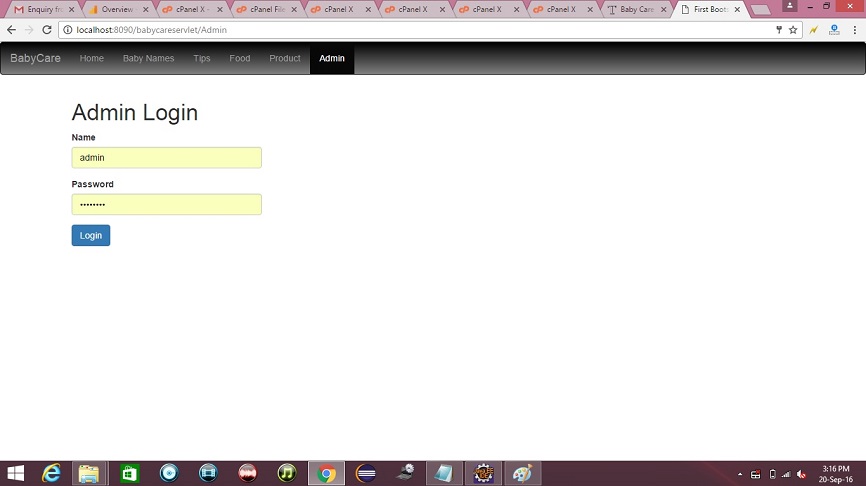
Password for Admin

Username is admin and password is admin123.

Welcome Page


credit :- javatpoint

Read More »

Company Mailer Servlet Project java ~ gniithelp

Company Mailer Servlet Project


Download Source Code

Objective/ Vision

A mailer application for a company that can be used by the employees of the company only. It can be run on interanet. Each user can send mails, receive mails and delete mails after getting logged in!

Note: We have not used professional look and feel in company mailer project just because simplicity of the project. For better look and feel see mailcasting project developed in JSP.

Users of the System

  1. User
  2. Admin

Functional Requirements

1. User
  1. Can register
  2. Can login and logout
  3. Can send mails
  4. Can see inbox
  5. Can see sent mails
  6. Can see trash
  7. Can search other employees email id
  8. Can view and update profile
2. Admin
  1. Can unauthorize the user
  2. can see current logged in members

Non-Functional Requirements

  1. Secure access of confidential data (user?s details). SSL can be used.
  2. 24 X 7 availability
  3. Browser testing and support for IE, NN, Mozila, and Firefox
  4. Reports exportable in .XLS, .PDF
  5. Create a detailed UML diagram (Component, Sequence, Class) for the system and its sub-components

User Interface Priorities

  1. Professional look and feel
  2. Use of AJAX at least with all registration forms and with every search option and at the id of each searched result with onmouseover event.

Tools to be used

  1. Use any IDE to develop the project. It may be Myeclipse / Eclipse / Netbeanse.
  2. Oracle 10g for the database.
  3. Server: Apache Tomcat/JBoss/Glassfish/Weblogic/Websphere.

Front End and Back End

  1. Front End: Servlet, HTML, CSS
  2. Back End: Oracle

How project works?

To get detail explanation about project download the document file. It includes snapshots with explanation.

Software Requirement to run this project

  1. You need to install an IDE Eclipse / Myeclipse / Netbeans.
  2. Oracle 10g database. Here, we are using system for the username and oracle for the password.

Hot to run this project

Create tables in the oracle database. All the tables are given in db.sql file. The id of all tables must be primary key and it must be generated using sequence.
Import the project on the IDE and run it.

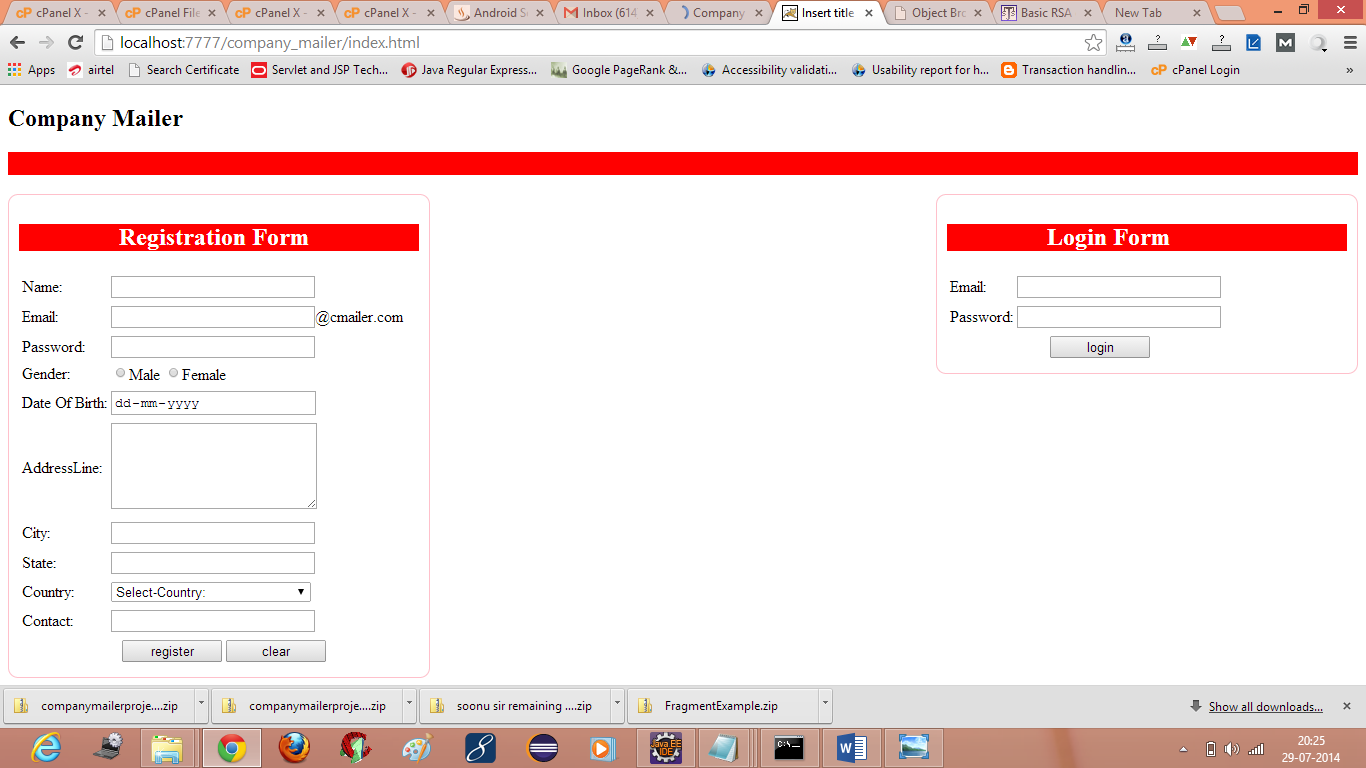
Welcome Page

company mailer servlet project mail system
credit :- javatpoint
Read More »

Online Library Project java ~ gniithelp

Online Library Project


The description of the project will be available soon. But you can download the project.

Non-Functional Requirements

  1. Secure access of confidential data (user?s details). SSL can be used.
  2. 24 X 7 availability
  3. Browser testing and support for IE, NN, Mozila, and Firefox
  4. Reports exportable in .XLS, .PDF
  5. Create a detailed UML diagram (Component, Sequence, Class) for the system and its sub-components

User Interface Priorities

  1. Professional look and feel
  2. Use of AJAX atleast with all registration forms and with every search option and at the id of each searched result with onmouseover event.
-->

Tools to be used

  1. Use any IDE to develop the project. It may be Myeclipse / Eclipse / Netbeanse.
  2. Oracle 10g for the database.
  3. Server: Apache Tomcat/JBoss/Glassfish/Weblogic/Websphere.

Front End and Back End

  1. Front End: JSP, JDBC, Javascript, AJAX
  2. Back End: Oracle

How project works?

To get detail explanation about project download the document file. It includes snapshots with explanation.

Software Requirement to run this project

  1. You need to install an IDE Eclipse / Myeclipse / Netbeans.
  2. Oracle 10g database. Here, we are using system for the username and oracle for the password.

Hot to run this project

Import the project on the IDE and run it. All the tables will be created automatically.

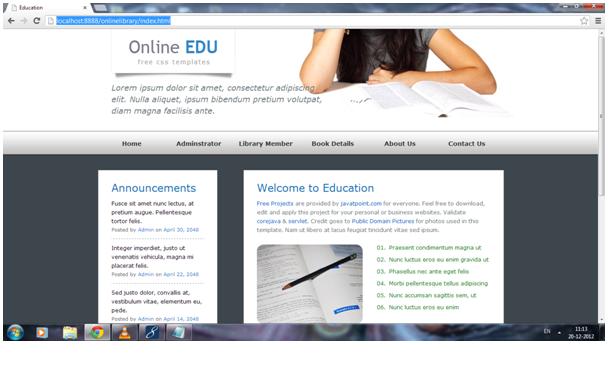
Welcome Page


credit :- javatpoint
Read More »