On a lookout for some Best free animation software for your PCs? There is so much you can do with them, create movies, give voices to characters and also create your character. All those people who are into animation have a lot to explore and choose from indeed. The animation is fun, and people who take it pretty much seriously might find it quite a task to find the best Animation software or choose from the so many.
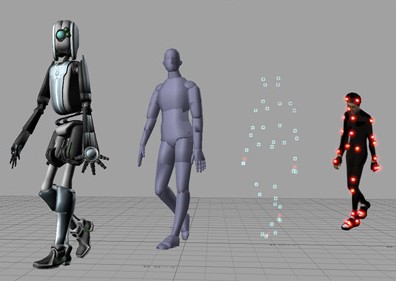
There is so much that one can get from the internet, create motion pictures and 3D characters, etc. Software help you work with animation tools, various formats as well as images, etc. Animations are used in a lot of fields, be it in the cartoons or in the advertisements, in presentations and a lot more. They can be used anywhere, and they shall only enhance the overall appeal of the idea.
10 Best Free Animation Software for Windows PC and Laptop
For those who have creative minds and actively work with various special effects and animations, you might obviously want for yourself the best animation software, and here, in this article, we will list for you the top ten best animation software. for Windows PC laptop.
1. Cinema 4D Studio

Cinema 4D Studio is another top animation software, and the overall look and feel of the software are quite intuitive and user-friendly. With the help of this animation software, you can easily create character rigs and advanced character animation, given the range of character tools it has. The software is indeed one great choice for all the animators out there. In addition to that, it keeps in mind the motion graphics!
2. Aurora 3D Animation Maker

Aurora 3D Animation Maker is among the best animation software, and it has a range of features available for use. There are an endless number of animations available, and at the same time you can add watermark to the images or videos, create special effects, etc.
The user interface for this software is pretty simple and thereby adding animation effects to your videos or movies or pictures wouldn’t be a problem at all. What makes Aurora 3D Animation Maker even better for you is that you can first download the trial version (available for free) and then move on to the purchase. Maybe your answer to what is the best animation software could be Aurora.
3. Autodesk Softimage

Autodesk Softimage is another great 3D animation software which is used by all the professionals in games, movies and broadcast television. Also, it is a standalone animation software package which has an excellent choice of tools and features to choose from. This software is an ideal choice for those who need to use the animation software as modelers and animators.
4. Blender

Blender is a good animation software and is used by people at all level, whether amateurs or experts, at studios as well as VFX experts, students, animators, game creators, etc. It is fully free and open source 3D creation software.
Blender has some cool animation programs which makes it a favorite of people from all works of animation and its features range from texturing, animations, lighting, post video creation needs, etc. also, Blender supports cross-platform inter-portability which makes it an ever more easy to use animation software.
5. Autodesk Maya
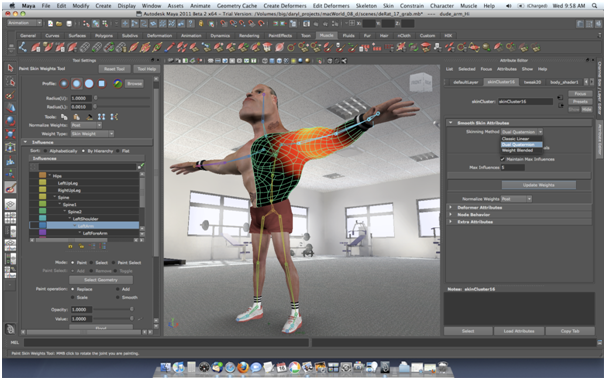
Autodesk Maya is one of the best 3D animation software. With the help of this one, you will be able to create and develop 3D scenes, people, games and of course movies. The software has some cool features which aren’t very complicated, and they will feel nothing less of real.
The animation software is perfect for working with modeling, coloring or animating. It is also an excellent choice for creating games and broadcast television. However, one thing that is about the software is you need patience until you learn all the big and small parts of it and excel at it.
6. Autodesk 3ds Max
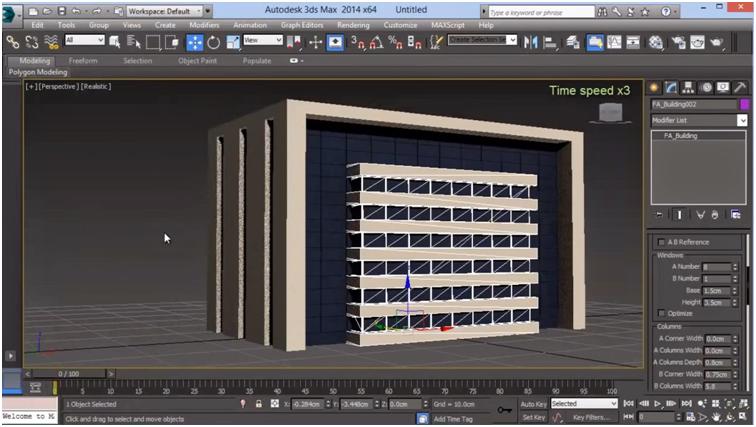
Autodesk 3ds Max, another good 3D animation software which works with the principle of upon polygon modeling. This software lets you created 3D like images such as pyramids, cones, etc. that form the basis for your models. The software is used for working with major projects, and it is only a matter of time until you will find the software pretty easy to work with. You can as well download plugins to extend its capabilities
7. Modo
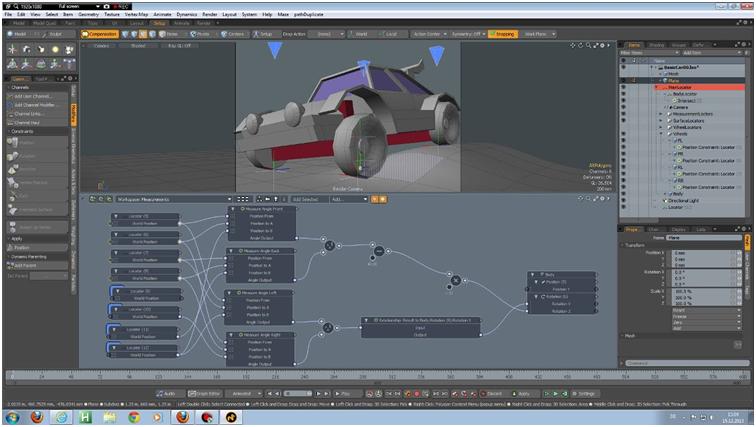
Modo is professional 3D animation software which allows you to work with multiple features and aspects such as sculpting, modeling and , ainting 3D models. It has a very minimalistic kind of approach as far as the tools are concerned; however, it is efficiency remains unquestionable. Modo is that kind of software for animation which bridges the difference between reality and computer images.
8. Autodesk MotionBuilder
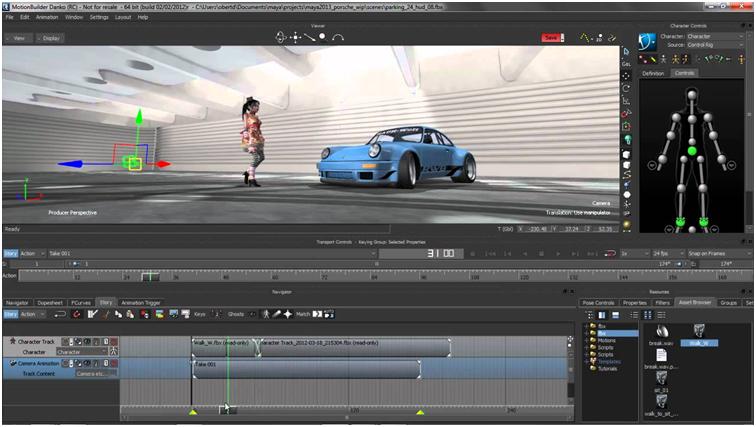
MotionBuilder is the kind of 3D animation software which is used for virtual production. This software helps in refining and manipulation of data. It works well in multiple environments and allows you easy capture, edit and playback of otherwise complex characters animation
9. Houdini
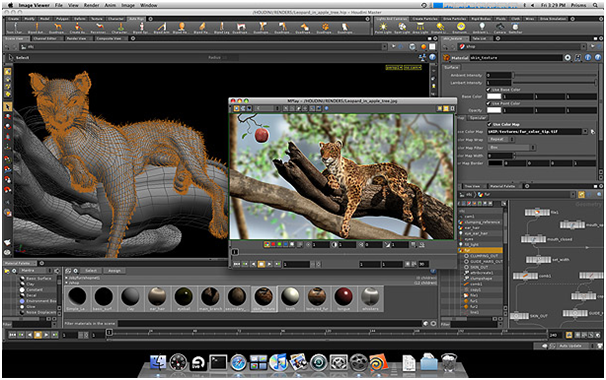
Houdini is one of the best 3D animation softwares, and its quality graphics is what make it the best. It allows you to work with tools that support various schemes such as modeling, texturing, rigging and animated 3D models. With this software for animation, you will be able to make a different world of 3D effects and content altogether.
10. Anime Studio
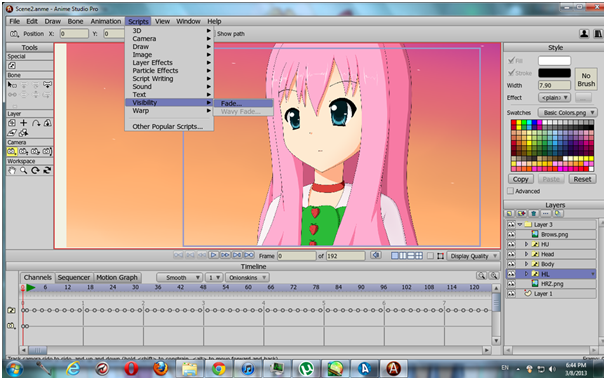
Anime Studio is again one of the best animation software in the market. It offers a range of features which are well loaded with all the tools you need to make you are animating easier. With the help of Anime Studio, you can manage to deliver professional content, and of course, when it comes to animation, it is always fun; same is the case with Anime Studio too. In addition to the fun, Anime Studio makes it easier to work with content which is yet to be animated and therefore, the animation is simple in here!
And this is the list of best animation software for Windows PC! We hope all your questions have been answered and you no longer will have to wander around in search of an animation software.